

A good website package should explain what will be built, what you will pay after launch and how much control your business will have. The difficult part is finding those answers among the discounts, upgrades and promises.
If you are wondering what to look for in a website package, start with the details that affect your business every day: useful content, reliable hosting, access to your accounts and a clear plan for maintenance.
This guide is for small business owners comparing website quotes in Australia. It covers the buying mistakes that can leave you paying for features you do not need, or paying again for something you thought was included.
In this article
Start with what your customers need to do
Before looking at packages, write down what the website needs to achieve. A local service business may need to explain its services and generate quote requests. A retailer may need product management, payments and delivery options.
Also decide who will update it. If you want to publish blogs, add projects or change prices yourself, ask for that capability and training in the original quote. A cheaper build becomes less attractive if every small edit needs a separate invoice.
Ask what the website package actually includes
“Five pages” tells you how much space you are buying. It tells you very little about the work being done.
Will someone write the content, or are you expected to supply it? Are mobile layouts included? How many revision rounds do you get? Does the contact form connect to your inbox, and will it be tested before launch?
Ask for a written scope covering:
- The pages, features and integrations being built.
- Who supplies copy, photographs and other assets.
- Design revisions and what counts as extra work.
- Mobile testing, form testing and launch checks.
- Training, handover and support after launch.
A template can be a sensible choice for a small budget. A custom design can be worthwhile when the business needs something more specific. Either approach should be described honestly, with clear boundaries around what you can change.
Our website design and development services outline the areas to discuss, including structure, content, mobile usability and enquiry forms.
Compare hosting on suitability and total cost
Hosting provides the online home for your website. Buying a domain name does not, by itself, tell you whether suitable hosting is included. A website-builder subscription may include hosting, but it may also limit how you can build or move the site.
For a straightforward business website, a modest hosting plan may be enough. An online store with regular transactions or a site with demanding features may need more resources. Ask the provider to explain why the proposed plan fits your actual website.
Check storage and usage limits, backup arrangements, support and renewal prices. If the quote includes managed hosting, ask which tasks are being managed. Updates, monitoring and recovery support involve work beyond renting server space.
There may be a cheaper hosting option that meets your requirements. Equally, paying someone to manage the technical work can be sensible. Compare the hosting charge and the management service separately so you know what you are paying for.
For background, Namecheap’s guide to choosing website hosting explains common hosting options. It is a provider’s guide, so use it to understand the options rather than as an independent recommendation.
Calculate renewal costs before accepting a discount
An introductory price is only one part of the bill. Check how long it lasts, how much you must pay upfront and what the service costs when it renews.
Ask for the setup cost, first-year total and expected ongoing annual cost. Confirm the currency, whether GST applies, and whether the prices include it. Keep domain registration, hosting, email, licences and maintenance visible as separate items.
For example, a low-priced build may require several subscriptions to deliver the features shown in the demo. Another quote may include those licences for the first year, with renewals billed separately. You cannot compare the two fairly until those details are clear.
Before buying an add-on, ask whether the same feature is already included elsewhere. That applies to backups, SSL certificates, email accounts and security tools. A paid upgrade should solve an identifiable problem.
Get a specific answer when SEO is included
“SEO included” might mean basic page titles and indexing settings. It might mean keyword research, content planning and technical checks. Ask for the actual deliverables and whether the work ends at launch.
Useful questions include who researches customer searches, who writes the service pages, whether Search Console will be set up and how progress will be reviewed. Installing an SEO plugin does not describe all that work.
Be careful with guaranteed number-one rankings. Google’s advice on hiring an SEO explicitly warns that nobody can guarantee a number-one ranking. Ahrefs’ explanation of SEO guarantees is also useful reading before signing a contract built around a ranking promise.
The better discussion is about relevant customers and useful enquiries. Ask what work will be completed and how its results will be assessed.
Confirm account control and the exit arrangements
Your business should have access to the accounts it relies on. Confirm who controls the domain registration, billing, recovery email and website administration. Give your provider the access needed to work without making them the only person who can recover an account.
Ask what happens if you change providers. Can the site be moved, and what files, content and database exports will you receive? Which features depend on licences or subscriptions? Who owns the design and content under the agreement?
Some platforms restrict what you can export. That may be an acceptable trade-off, provided you understand it before buying. Get the handover process and any transfer fees in writing.
Agree on testing and maintenance before launch
A homepage preview is not enough to approve a website. Try the menu and service pages on your phone. Tap the phone number, submit an enquiry and check that the message reaches the right inbox. Read the confirmation message as well.
Ask the developer to check performance, mobile usability and the main customer journeys. A website can look impressive and still make a simple quote request unnecessarily difficult.
Before launch, agree who handles updates, backups, renewals and faults. Clarify how much content-editing time is included and how urgent problems are handled. Maintenance arrangements vary, so ask for the responsibilities rather than relying on the package name.
You should also know how enquiries will be measured. A submitted form, confirmed booking and click on a phone number are different actions. Agree which ones matter to your business and make sure the tracking is tested.
Common questions about website packages
Do I need to buy hosting from my web designer?
Not necessarily. It depends on the platform and the agreement. Some providers can build on hosting you choose; others offer a managed service with hosting included. Ask about compatibility, support responsibilities and portability before deciding.
Is the cheapest website package a bad choice?
No. A basic package can be suitable when it covers what your business needs. The important details are the scope, ongoing costs, account access and limitations. A low price becomes a problem when essential work is excluded or the conditions are unclear.
What hidden website costs should I ask about?
Check domain and hosting renewals, email, premium plugins, platform fees, maintenance, paid assets, extra revisions and migration charges. For an online store, ask about payment-processing and transaction fees as well.
Can I add a blog later?
Often, but the work depends on how the site was built. Ask whether the package includes a content management system, a blog layout and access to publish posts. If blogging is part of your marketing plan, include it in the brief now.
A checklist to use before you commit
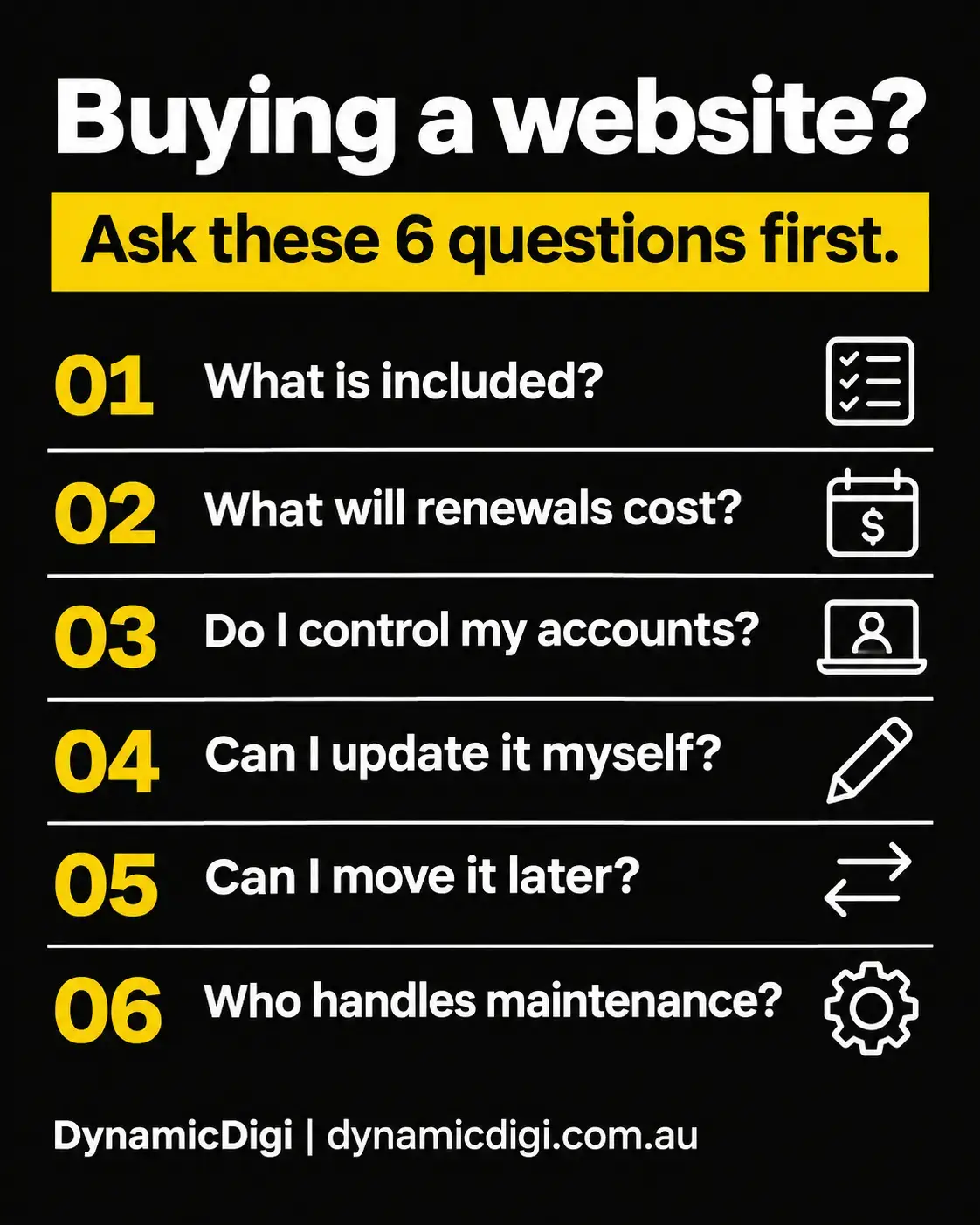
Keep these questions beside you when comparing quotes. If an answer is unclear, ask the provider to explain it in plain language and add it to the proposal.
- What is included?
- What will renewals cost?
- Do I control my accounts?
- Can I update it myself?
- Can I move it later?
- Who handles maintenance?
A suitable website package gives your business what it needs at a cost you understand. You should be able to explain what you are buying, what happens after launch and what your options are if things change.
LET’S MAKE IT CLEARER
Planning a website?
Start with the right questions.
At DynamicDigi, we connect website development with the wider work of attracting customers and measuring enquiries. Tell us about your business and we can help you work through the requirements.
Let’s talk about your website